
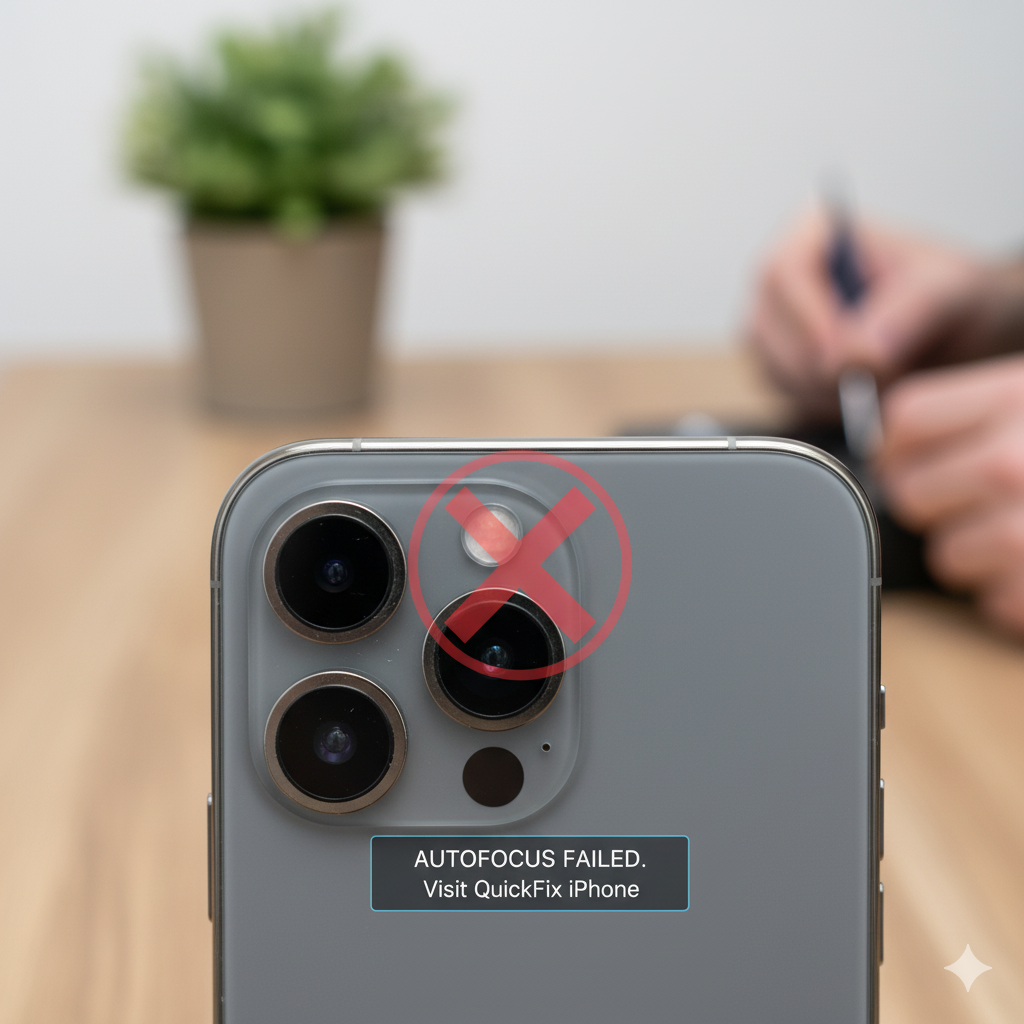
Your iPhone’s camera is built for precision — so when the autofocus stops working, every picture can turn into a blurry mess. Whether you’re trying to capture a sunset, a selfie, or an important document, a malfunctioning autofocus can ruin the moment. If you’ve ever wondered why your iPhone camera won’t focus or how to fix it, this guide will walk you through every detail.
At QuickFix iPhone, our technicians repair hundreds of iPhones every month, and autofocus failure is one of the most common camera issues we encounter. Below, we’ll explore the most likely causes, how you can troubleshoot them at home, and when it’s time to bring your device in for a professional repair.
Section 1: Understanding iPhone Camera Autofocus
iPhone cameras use a sophisticated phase detection autofocus (PDAF) system. This technology relies on small sensors inside the lens assembly that move back and forth to adjust focus. When this process works correctly, your phone quickly locks onto the subject and delivers sharp, clear images.
However, when autofocus fails, it can cause symptoms like:
- Blurry photos even in good lighting
- A camera that won’t lock focus
- Clicking sounds or shaking in the lens
- Focus hunting (camera keeps adjusting and never settles)
These issues can stem from software glitches, lens obstruction, physical damage, or even magnetic interference caused by certain accessories.
For example, cases with strong magnets — especially those used for MagSafe accessories — can sometimes interfere with your iPhone’s optical image stabilization and autofocus mechanisms.
If you’re unsure whether the issue is software or hardware related, the next section will help you narrow it down.
Section 2: Common Causes of Autofocus Failure
1. Dirt, Dust, or Smudges on the Lens
A dirty camera lens is one of the simplest yet most overlooked reasons for autofocus problems. Even a thin layer of oil or dust can scatter light, confusing the autofocus sensors.
Try gently cleaning the lens with a microfiber cloth. Avoid using liquids directly on the camera — moisture can damage the housing.
2. Software Glitches or Outdated iOS
If the autofocus worked fine before an update or app installation, a software bug may be responsible. iOS updates often include camera optimizations, so outdated firmware can affect focus speed and accuracy.
To fix this, go to Settings > General > Software Update and install the latest version.
3. Physical Damage to the Camera Lens or Sensor
A drop or impact can misalign the tiny mechanical components that control autofocus. You might even hear a faint clicking sound as the focus motor struggles.
If you suspect physical damage, professional inspection is the safest option. Visit the Repair a Device page to book a diagnostic session.
4. Magnetic Case or Accessory Interference
Many users report autofocus problems after attaching magnetic cases or clip-on lenses. These accessories can interfere with the electromagnetic stabilization mechanism inside the iPhone camera.
Try removing all accessories and test the camera again.
5. Third-Party App Conflicts
Some camera or photo-editing apps override the default camera’s settings, causing focus issues. Open your camera in Safe Mode or after restarting the phone, and test again using the native iPhone Camera app.
Section 3: How to Troubleshoot Autofocus Issues at Home
Before assuming the worst, try the following proven fixes that often restore normal focus performance without needing a repair.
Step 1: Clean the Lens Properly
Use a microfiber cloth and gently wipe the lens in circular motions. Avoid alcohol or rough materials that can scratch the glass.
Step 2: Restart Your iPhone
A quick restart can clear temporary software glitches affecting the camera. Hold down the power button and volume button, then slide to power off. Restart after 30 seconds and test the camera again.
Step 3: Reset All Settings
Go to Settings > General > Reset > Reset All Settings. This restores system defaults without deleting your data. It’s particularly helpful if a system-level misconfiguration is causing the problem.
Step 4: Try Manual Focus Apps
Apps like ProCamera or Halide allow you to manually control focus. If manual focus works but auto doesn’t, that points toward a mechanical issue with the autofocus motor.
Step 5: Check for Case or Lens Attachments
Remove all cases, clips, or external lenses, and retest the autofocus. Sometimes even non-magnetic cases can slightly misalign the lens housing if not fitted properly.
If none of these steps fix the issue, it’s likely a hardware problem that requires professional service — and that’s where QuickFix iPhone comes in.
Section 4: When to Seek Professional Repair
Even with careful troubleshooting, not all autofocus issues can be solved at home. You’ll need professional help if:
- The lens makes clicking or rattling noises
- The camera remains blurry even in default apps
- Focus works inconsistently (fine one moment, broken the next)
- The lens is visibly cracked or loose
At QuickFix iPhone, our expert technicians use specialized tools to recalibrate or replace malfunctioning camera modules. Whether your phone needs a sensor replacement or a full camera unit swap, our team ensures genuine quality parts and a warranty-backed repair.
You can easily book a repair online through our Repair a Device page or visit your nearest QuickFix iPhone Location.
If you own multiple business devices affected by similar camera issues, our B2B Computer Repairs program offers bulk service options with discounted rates.
Section 5: Preventing Autofocus Problems in the Future
1. Use Protective but Non-Magnetic Cases
Avoid strong magnets near the camera module. Choose soft silicone or TPU cases that don’t interfere with lens sensors.
2. Keep Your Lens Clean
Regularly wipe the lens before taking pictures. Carry a microfiber cloth in your bag for quick touch-ups.
3. Avoid Dropping Your iPhone
Even minor drops can shift the camera module slightly off-axis, affecting focus. Consider investing in a shockproof case or tempered glass back protector.
4. Don’t Overload with Camera Apps
Uninstall unused camera or editing apps. Too many third-party apps can conflict with system camera functions.
5. Get Regular Checkups
If you rely on your iPhone for work (especially content creation or photography), schedule regular inspections through QuickFix iPhone’s Contact Page to ensure your device remains in perfect condition.
Section 6: How QuickFix iPhone Repairs Autofocus Issues
When you bring your iPhone in for autofocus repair, here’s what happens:
- Diagnostic Check – Our technicians use precision calibration tools to isolate whether the issue is mechanical, electrical, or software-based.
- Lens & Sensor Inspection – We assess the internal lens movement, stabilization motor, and camera flex cable.
- Camera Module Replacement (if needed) – If the autofocus motor is damaged, the entire module is replaced with OEM-grade components.
- Software & Calibration Test – After replacement, we run diagnostics to verify that autofocus, stabilization, and color balancing work flawlessly.
- Final Cleaning & Quality Check – Each repaired device undergoes a multi-point quality test before being returned.
You can also learn more about our team and values on the About Us page, where we explain our commitment to transparent pricing and lifetime warranty support.
Section 7: Common Myths About iPhone Autofocus Problems
Many users fall for misinformation online about what causes autofocus issues. Let’s clear up a few common myths:
- Myth 1: “Restarting always fixes autofocus.”
Not true — restarting can fix temporary glitches but not hardware damage. - Myth 2: “A cracked lens won’t affect focus.”
False — even a hairline crack distorts light and disrupts focus accuracy. - Myth 3: “You can fix autofocus by tapping the phone.”
This can worsen the problem; delicate lens components can break further. - Myth 4: “Using flashlight improves focus.”
Light can help the camera detect contrast, but it doesn’t fix sensor malfunction.
For accurate information, always rely on certified professionals like those at QuickFix iPhone.
Section 8: FAQs
Q1: Why does my iPhone camera keep going blurry?
A: The autofocus may be struggling due to lens dirt, magnetic interference, or sensor malfunction. Try cleaning the lens and removing accessories before considering repair.
Q2: How much does it cost to fix iPhone camera focus?
A: The cost varies depending on your model and damage type. You can get a free quote on our Repair a Device page.
Q3: Is autofocus repair covered under warranty?
A: If your phone is still under Apple’s limited warranty, you may qualify for a replacement. For out-of-warranty repairs, QuickFix iPhone provides affordable, fast alternatives.
Q4: Can dropping my iPhone damage the autofocus?
A: Yes. Even small impacts can knock internal components out of alignment, leading to blurry or unfocused photos.
Q5: Do magnets from car mounts affect autofocus?
A: Yes. Magnetic mounts can interfere with camera stabilization and cause focus issues. Always remove them before shooting photos.
Section 10: Conclusion
Autofocus failure might seem like a simple annoyance, but it often signals deeper mechanical or software problems inside your iPhone. Ignoring it can lead to complete camera failure — so don’t wait until it’s too late.
Visit QuickFix iPhone for expert diagnostics, genuine parts, and fast turnaround times. Whether it’s a dirty lens, a faulty motor, or sensor misalignment, our team will bring your iPhone camera back to life — sharper than ever.
Disclaimer
This content is for informational purposes only and does not replace professional diagnosis. For accurate assessment and repair, please visit QuickFix iPhone’s Repair a Device page or contact our team directly.